AppView now shows who is behind an extension. Every extension page links to its publisher, and each publisher has a page with their portfolio and how it changes over time.
How do you get to a publisher page?
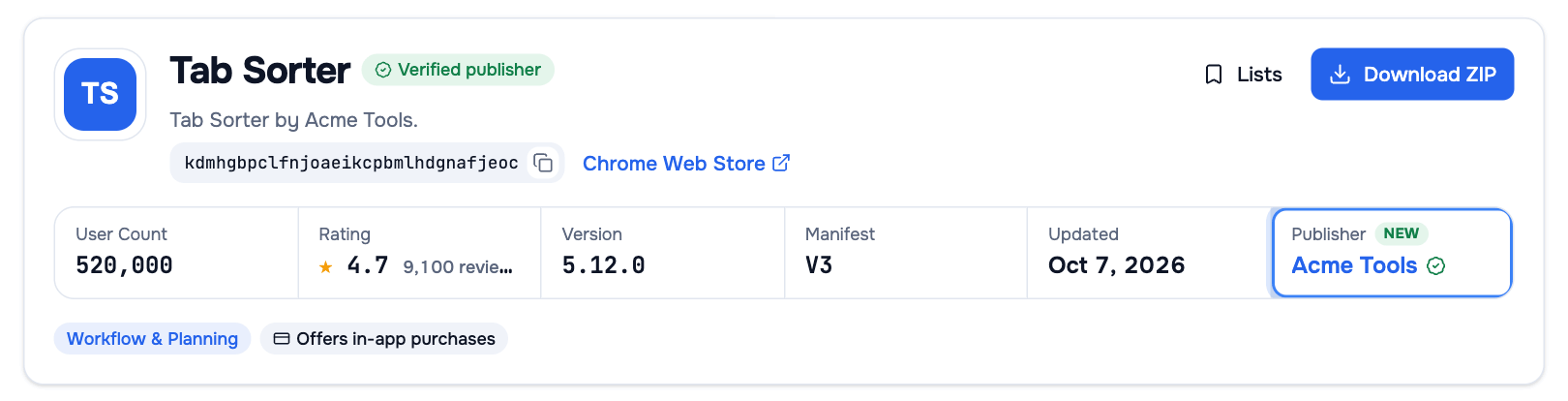
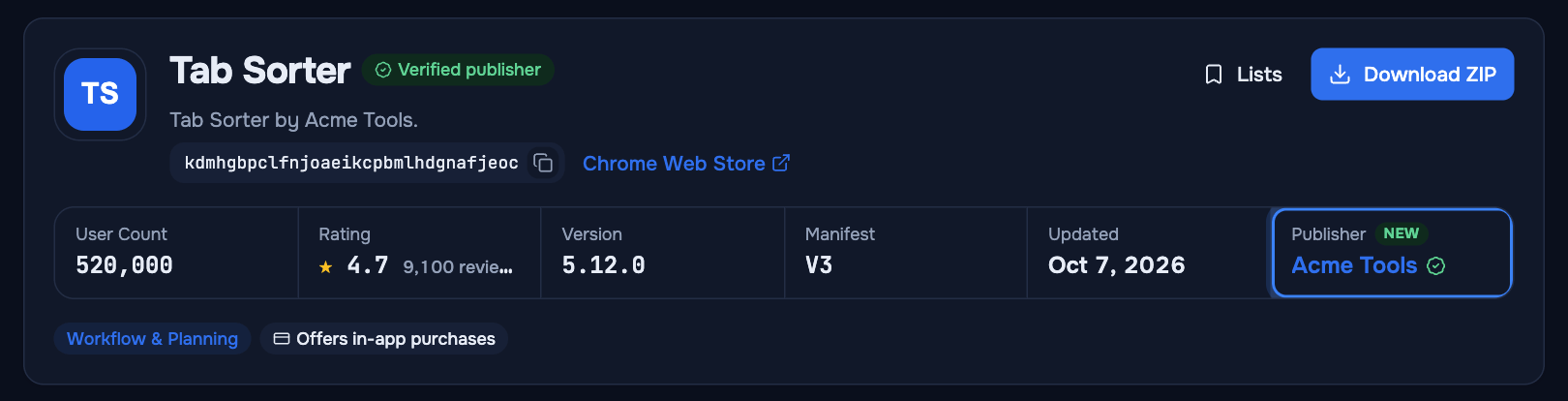
There are two ways in. On an extension page, the Publisher cell in the header strip and the Publisher row in the Overview tab both link to the publisher. On Top CWS publishers, click a publisher’s name in any of the lists. There is no search by publisher name: a publisher page opens from one of its extensions or from the lists.
What does a publisher page show?
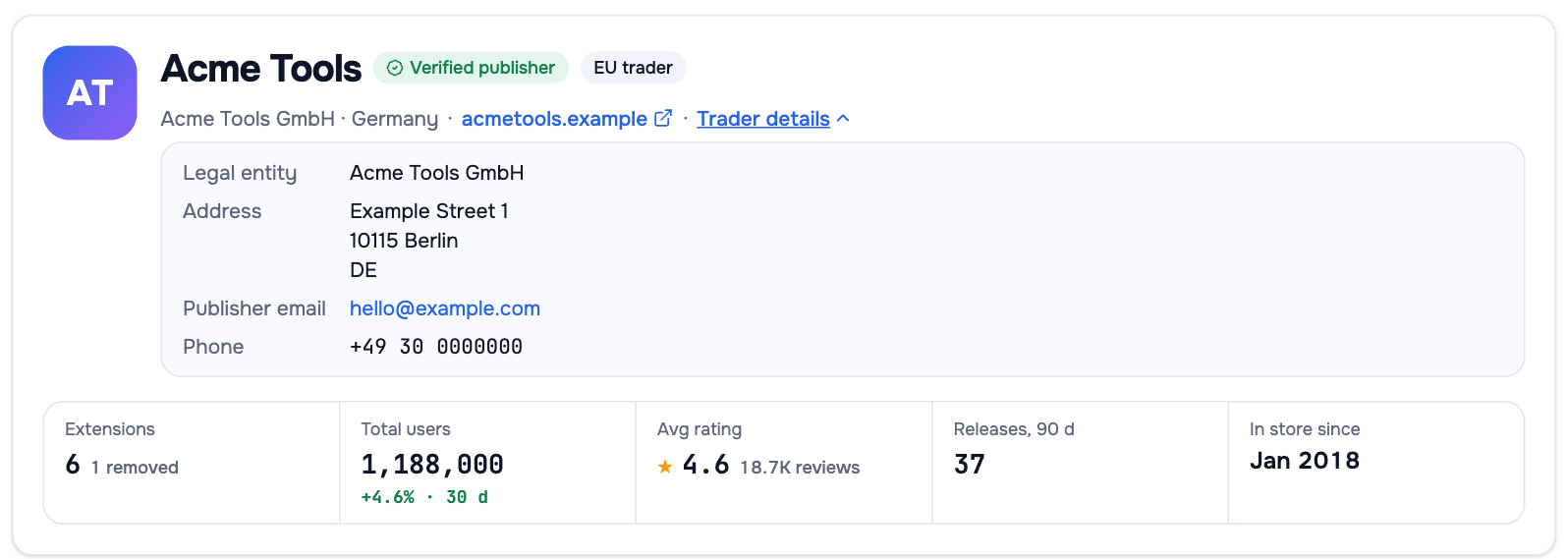
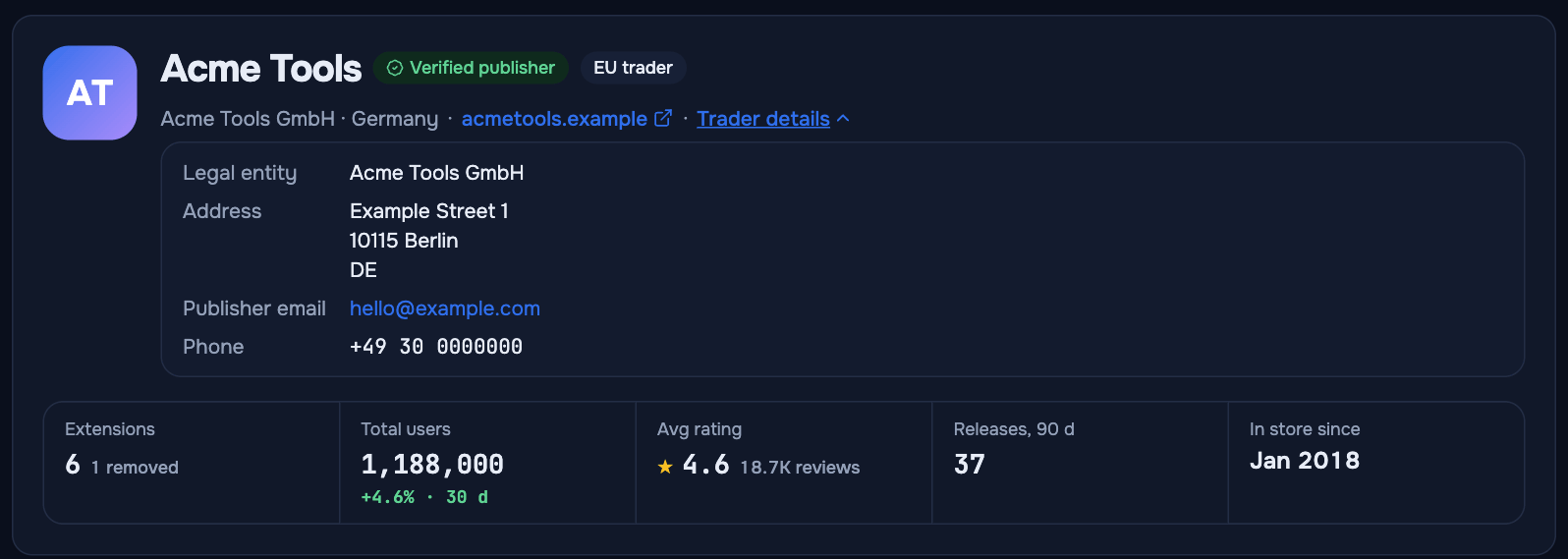
The header shows the publisher’s name, the verified and EU trader badges, country, website and headline numbers: extensions, total users with their 30-day change, average rating, releases in the last 90 days and how long the publisher has been in the store.
Three tabs go deeper, and all three are Premium:
| Tab | What you see |
|---|---|
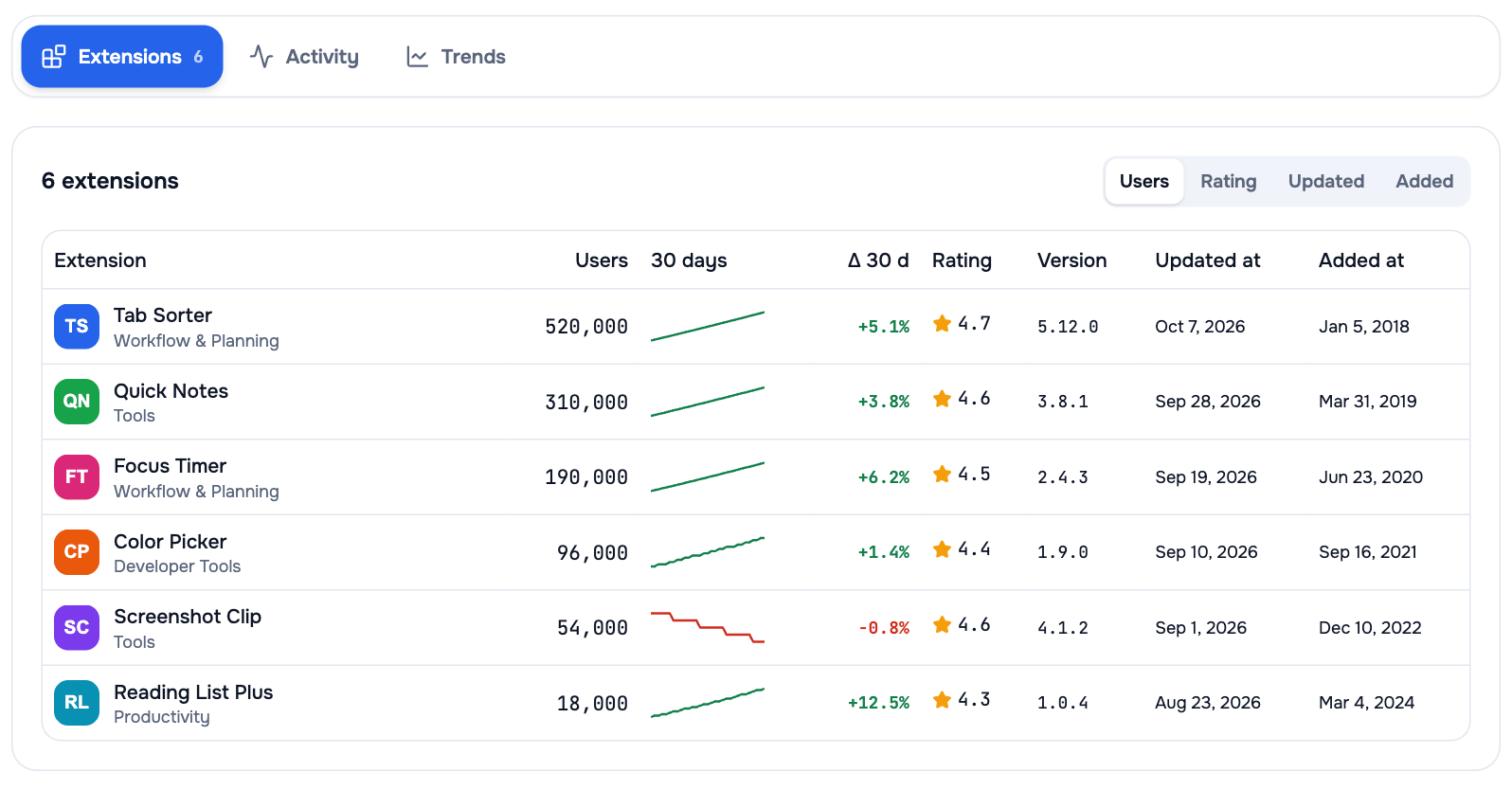
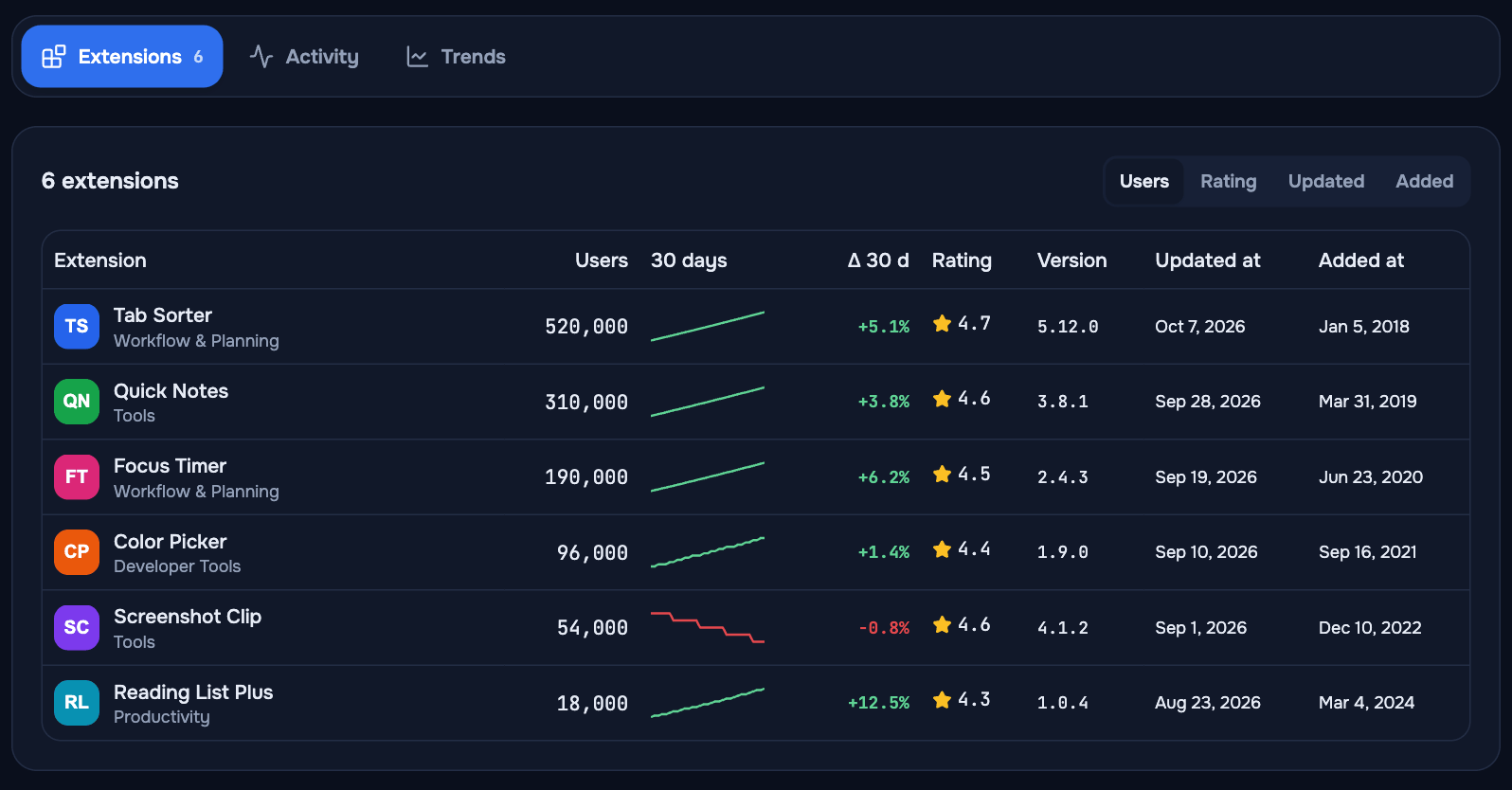
| Extensions | Every extension of the publisher with users, the 30-day change, rating, version and dates |
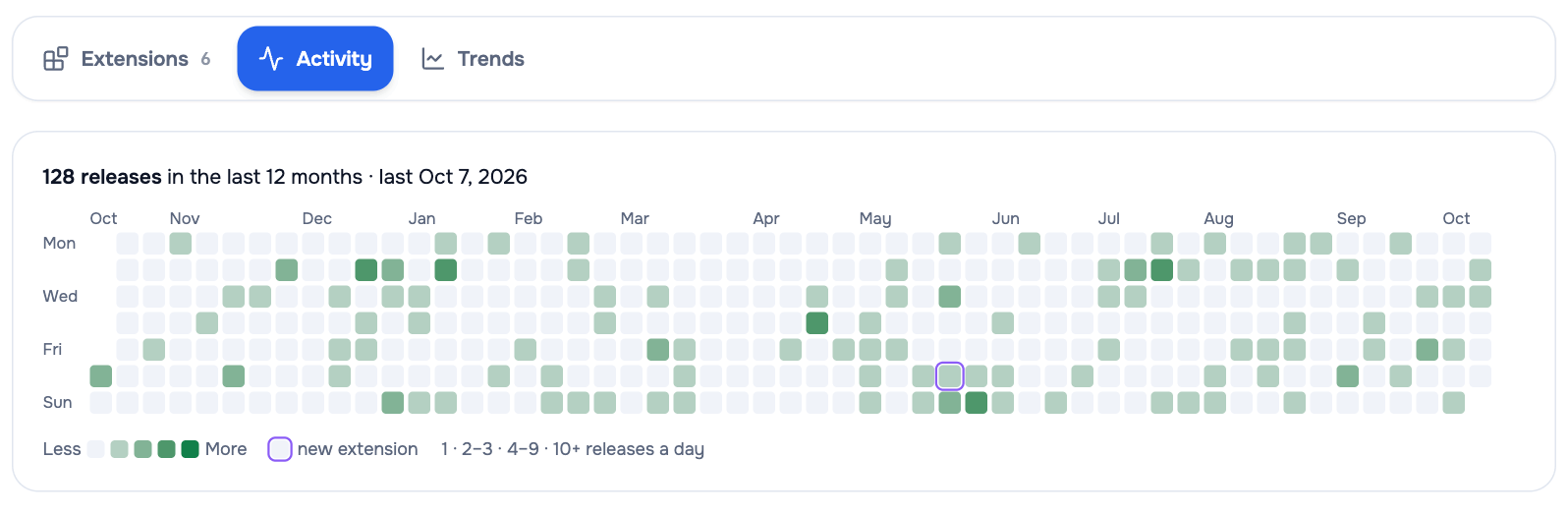
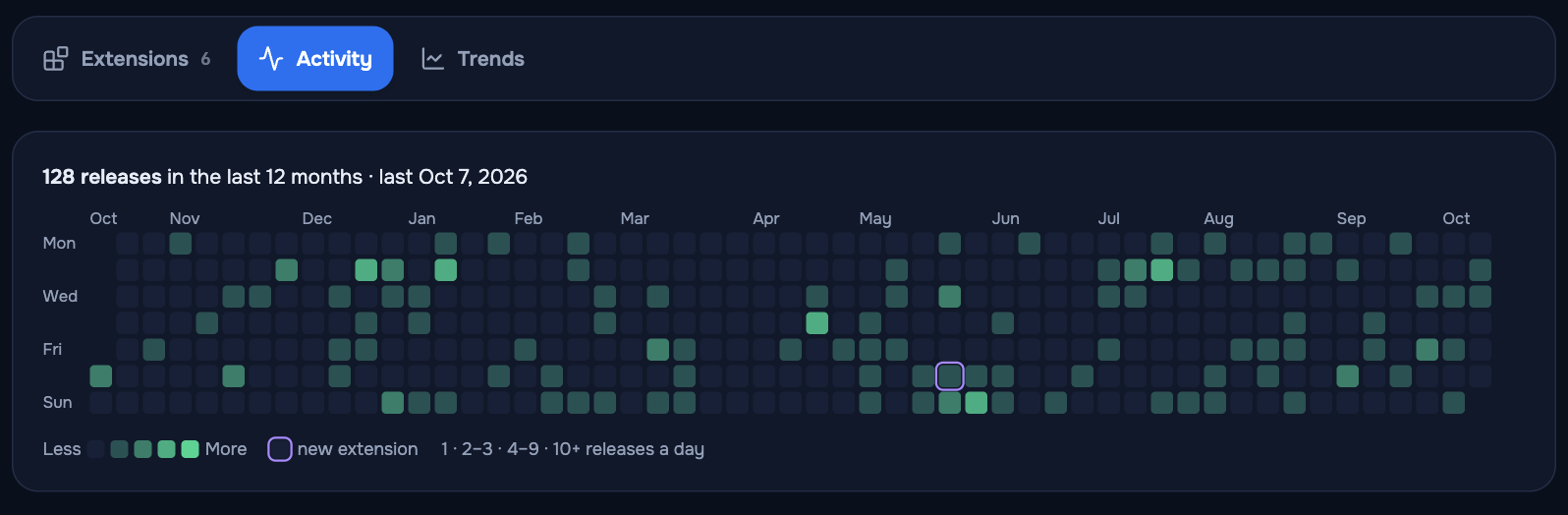
| Activity | A day-by-day map of the last 12 months of new versions and launches across the portfolio |
| Trends | Total users, reviews and average rating of the whole portfolio over time, with release markers |
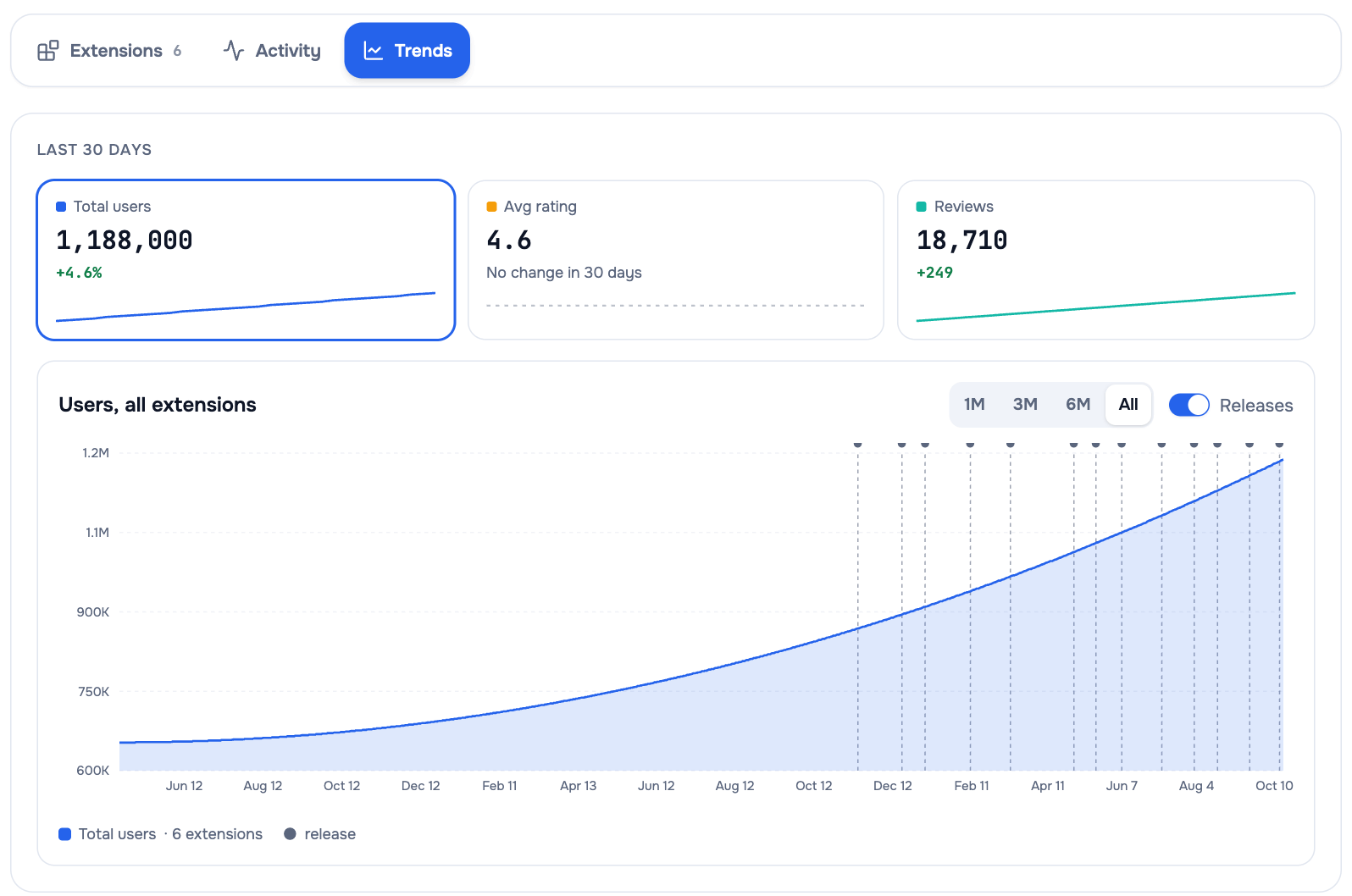
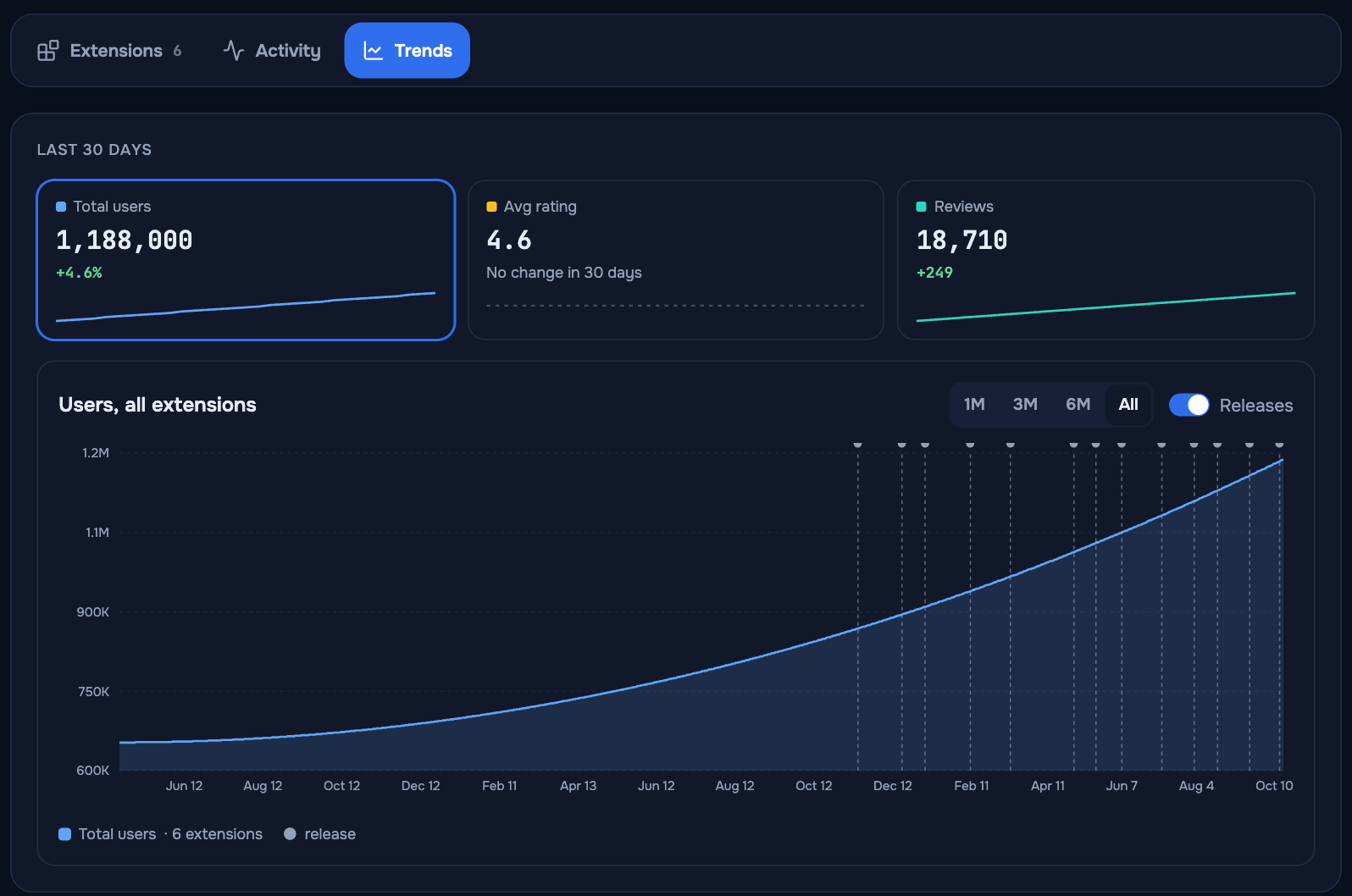
When the store stops showing an extension’s user count, the Trends chart leaves a hatched gap instead of a drop to zero, and the total keeps that extension’s last known value.
What contact details are shown?
Only what the store itself publishes for businesses. For publishers that declared themselves EU traders, the header shows the store’s Trader details: legal name, entity, address, email and phone. For everyone else AppView shows no address, phone, email or personal names.
What is Top CWS publishers?
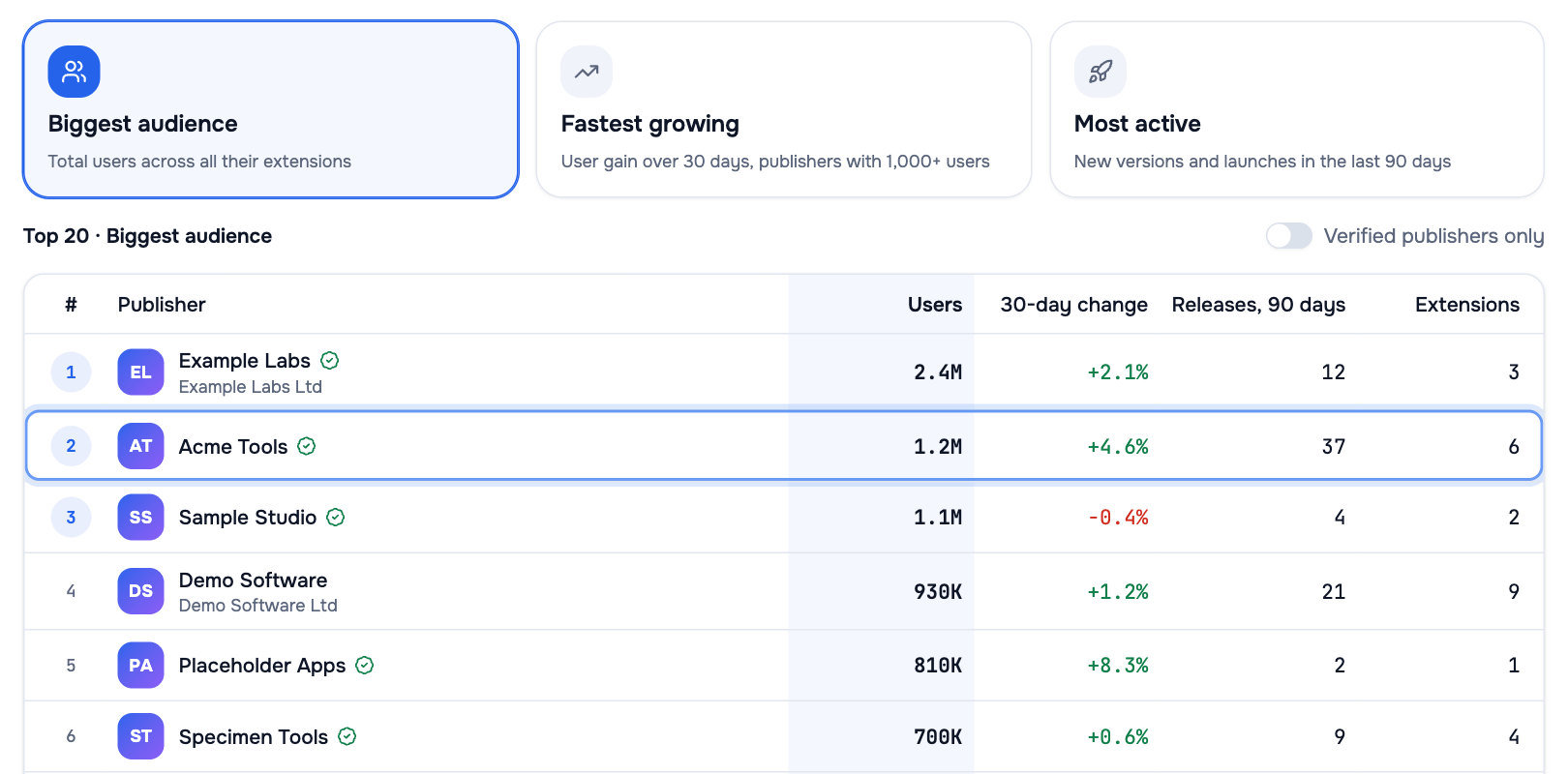
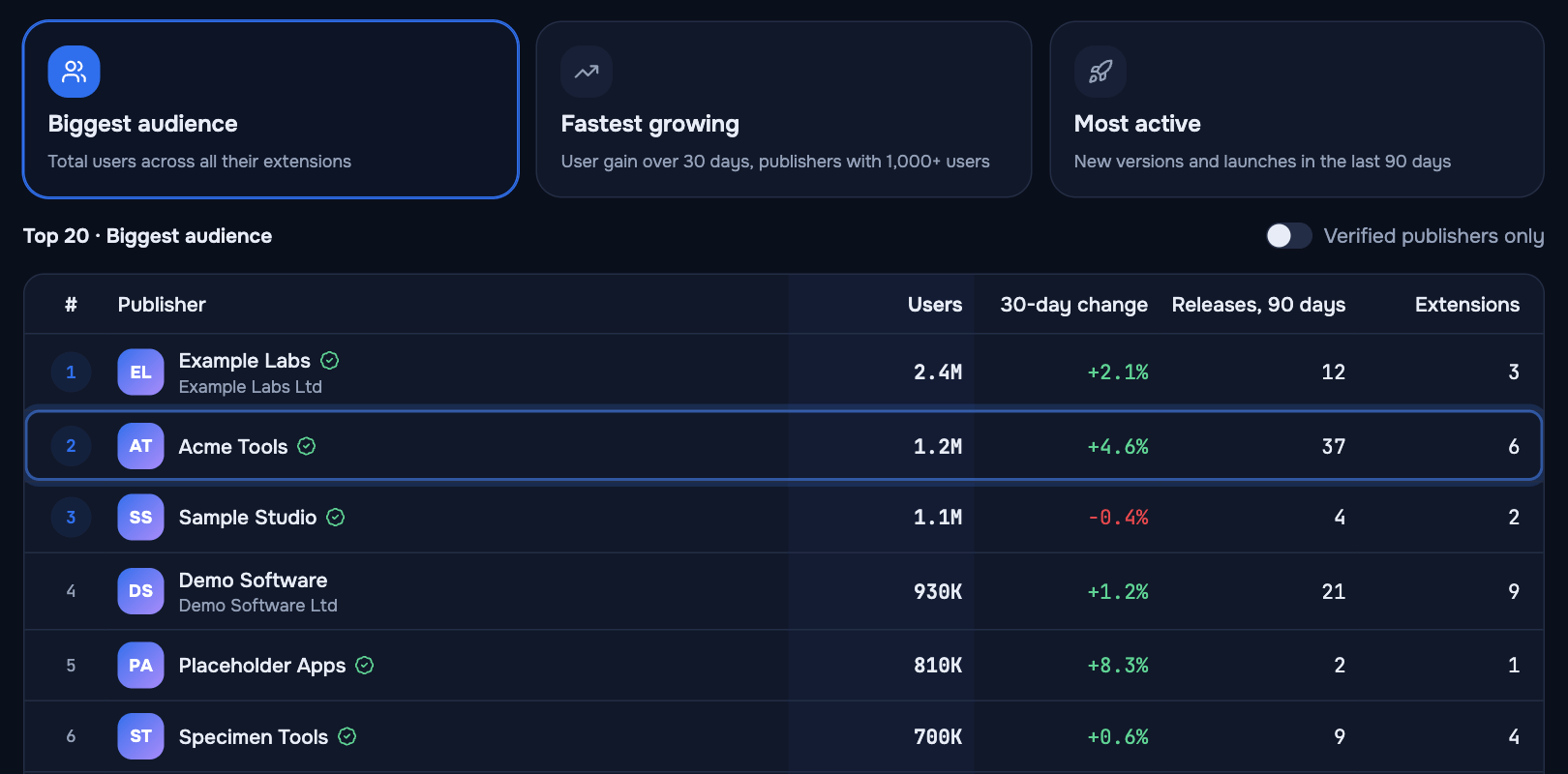
A page that lists the leading publishers three ways. Each list shows the top 20:
| List | What it measures |
|---|---|
| Biggest audience | Total users across all of a publisher’s extensions |
| Fastest growing | User gain over 30 days, among publishers with 1,000+ users |
| Most active | New versions and launches in the last 90 days |
A Verified publishers only switch limits any list to publishers with the store’s verified badge. To reach a publisher outside the top 20, open one of its extensions.
The top 5 by Biggest audience, as of 10 October 2026:
| # | Publisher | Users, all extensions | Extensions | Verified |
|---|---|---|---|---|
| 1 | Adobe Inc. | ~345M | 12 | Yes |
| 2 | Shenzhen Xunlei Network Technology Co., Ltd. | ~78M | 1 | — |
| 3 | AdBlock | ~65M | 1 | Yes |
| 4 | Grammarly | ~41M | 2 | Yes |
| 5 | Chrome Remote Desktop Release Managers | ~41M | 1 | Yes |